


Search Here
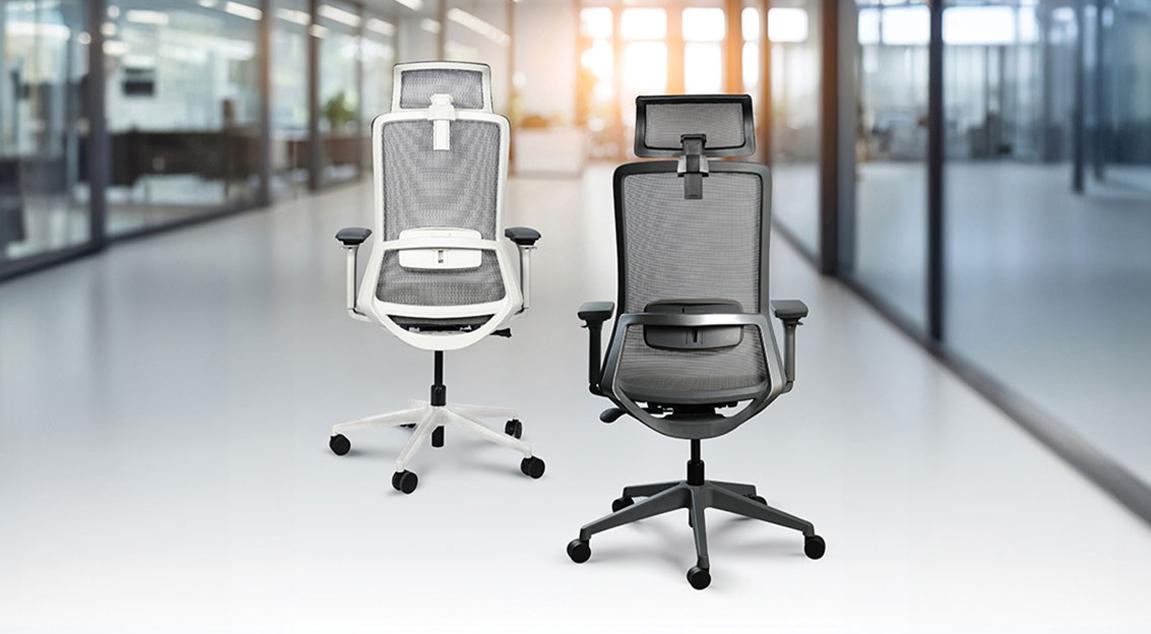
Table of Contents
|
The afternoon slump hits, and workers unconsciously slide down in the chair, shoulders rounded, lower back unsupported. Hours of sitting in one rigid position have left users stiff, distracted, and counting minutes until standing. This daily discomfort points to a fundamental mismatch between how traditional chairs are designed and how the body actually needs to work.
Understanding this gap matters because the solution involves rethinking what "good posture" really means. Recliner office chairs offer an approach built around movement and adaptability, supporting users through focused sprints and reflective pauses alike.
The way we think about workplace posture has shifted considerably in recent years. What once seemed like common sense now faces scrutiny from ergonomic researchers and spine specialists alike.
The old 90-90-90 rule suggested keeping your feet flat, knees at ninety degrees, and hips at ninety degrees. While this sounds logical, maintaining such a rigid position for eight hours creates what researchers call a "static working posture", which can lead to musculoskeletal disorders over time.
The spine tells a different story when users recline. When users sit perfectly upright at ninety degrees, pressure on the lumbar discs spikes to roughly 140% compared to standing. However, reclining the backrest to between 110 and 130 degrees while maintaining proper lumbar support reduces that disc pressure by 30% to 35%. For practical desk work, the sweet spot sits between 100° and 110°, giving users relief without compromising the ability to type or read.
The body craves variety, even while seated. Sitting completely still for prolonged periods leads to muscle fatigue and stiffness. Research in ergonomics confirms that dynamic seating promotes circulation, reduces fatigue, and improves focus because small, regular movements stimulate blood flow and encourage muscle activity.
This principle of "posture rotation" represents a meaningful departure from older thinking. A reclining desk chair becomes a tool for managing spinal load, not an invitation to slack off. Users shift between upright concentration during intensive tasks and gentle recline during calls or reading, giving different muscle groups a chance to engage and recover throughout the day.
Many contemporary ergonomic chairs are designed with this flexibility in mind. For example, the Wipro Entity chair includes a tilt-lock mechanism that allows users to secure the backrest at a preferred recline angle instead of relying on a fixed upright position. Its breathable mesh back also promotes airflow, helping improve thermal comfort during long work sessions. Together, these features support the broader ergonomic goal of making it easier to change posture throughout the day, rather than encouraging users to remain in one position for hours.
The difference between a chair that truly supports the users and one that simply tilts backward lies in the engineering beneath the seat. Understanding these mechanisms helps recognise genuine ergonomic value.
The metal assembly mounted between the seat pan and gas cylinder controls everything about how a chair responds when users lean back or shift forward. Basic mechanisms tilt the entire seat, pushing the front edge upward against the thighs and restricting blood flow behind the knees.
Quality recliner office chairs use synchro-tilt mechanisms instead. These link the backrest and seat pan so they recline at different rates. The fixed ratio keeps the feet planted on the floor, opens the chest without compressing the thighs, and mimics the body's natural movement when shifting from focused work to relaxed thinking.
|
Mechanism Type |
How It Works |
Best For |
|---|---|---|
|
Basic Tilt |
The entire seat tilts as one unit |
Light, occasional use |
|
Synchro-Tilt |
The backrest and seat move at a fixed ratio |
All-day comfort, varied tasks |
|
Multi-Function |
Independent backrest, seat, and tilt lock |
Personalised ergonomic setup |
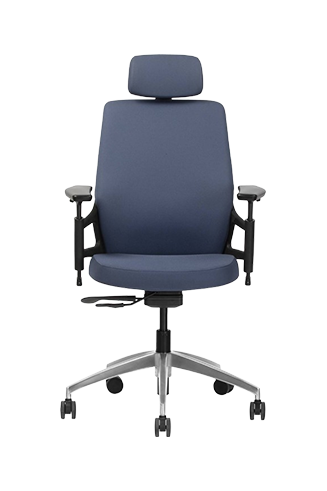
This is the approach adopted in chairs such as the Wipro Alivio, which features the Synchro-3 mechanism with multiple lockable recline positions. Rather than offering recline simply for comfort, the mechanism supports controlled posture changes during the workday. Complementing this are a contoured backrest for improved spinal support and an adjustable headrest that helps users maintain a comfortable neck position when reclining.
The lower back carries enormous responsibility during seated work. Lumbar support maintains the natural curve of the lower spine, helping reduce strain and encouraging
healthier sitting posture during long desk hours.
The challenge with reclining chairs lies in maintaining that support across different positions. When users lean back, the relationship with the backrest changes. An ergonomic reclining office chair addresses this through dynamic lumbar systems or synchronised tilt mechanisms that keep the lumbar area properly supported whether users are sitting upright for typing work or reclined during a lengthy video call.
|
Why This Matters Proper lumbar support helps the spine maintain an S-shaped curve similar to its natural standing position. Without it, the lower back flattens against the backrest, increasing pressure on discs and soft tissues. Over months and years, this contributes to chronic discomfort and postural changes. |
Recliner office chairs have moved well beyond the corner office. Contemporary workplace design recognises that varied seating supports varied work modes, making reclining options relevant across different settings.
The realities of modern work life demand versatile seating. Corporate employees often sit for nine to eleven hours daily, longer than most people sleep. Office workers spend up to 80% of the workday seated, with neck pain, lower back pain, and shoulder pain ranking as the most common complaints.
A thoughtfully designed reclining desk chair at the workstation allows users to shift postures throughout these long hours. Workers sit upright during morning deep work, recline slightly during afternoon calls, and adjust again while reviewing documents. Hybrid workers appreciate this versatility particularly, since home offices often lack the movement opportunities that traditional workplaces provide through meetings, coffee runs, and colleague conversations.
Boardrooms and meeting spaces benefit from seating that supports extended discussions without physical fatigue setting in. Modern-day chairs reflect this understanding, combining elegance with ergonomic function suited to environments where professionals spend hours in strategic conversation.
Modern workplace applications include the following:
Individual workstations where tasks shift between focused concentration and periodic rest
Home office setups supporting extended sessions without workplace amenities
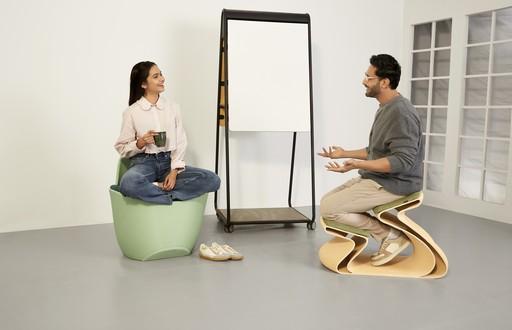
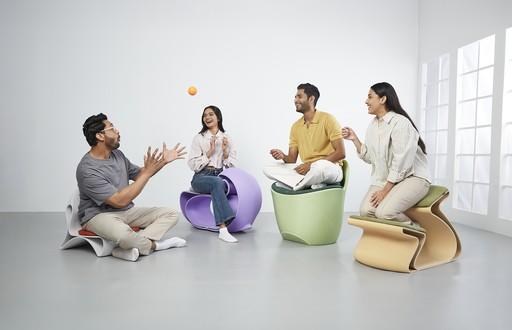
Collaborative environments alternating between active discussion and reflective thinking
Break-out zones designed for restorative micro-breaks
Reading and review areas where professionals examine documents at length
Selecting an ergonomic reclining office chair involves understanding which features genuinely contribute to your comfort and which represent marketing over substance.
The best ergonomic chair allows users to customise multiple aspects of the seating position. This adaptability ensures lumbar support functions effectively and remains comfortable during long periods of desk work.
Key adjustments that matter:
Backrest recline range: Look for a 90° to 110° adjustment for upright support with recline flexibility
Seat height: The feet should rest flat with thighs parallel to the floor.
Armrest positioning: Adjustable height and width prevent shoulder tension during typing.
Seat depth: Proper adjustment keeps pressure off the back of the knees.
Waterfall seat edge: A rounded front edge prevents circulation restriction in the thighs.
Recliner office chairs like the Wipro Absolute typically include waterfall seat edges that curve downward at the front, reducing thigh pressure during a recline. Additionally, this chair also features curved, padded and adjustable armrests which further increase comfort.
The hours users spend seated shape how the body feels, how smoothly thoughts flow, and how sustainably employees can work over months and years. Recliner office chairs offer a design philosophy built around movement, adaptation, and support that responds to the changing needs throughout the day.
Quality seating represents an investment in daily comfort and long-term wellbeing. Explore Wipro's ergonomic seating solutions to find chairs crafted with thoughtful engineering, durability, and the typical workday in mind.
1. How do recliner office chairs reduce back strain?
Recliner office chairs reduce spinal disc pressure by allowing controlled backward lean. Reclining to 100°-110° shifts load away from the lower back while maintaining proper lumbar support, easing strain during extended work sessions.
2. What recline angle works best for desk work?
Research suggests 100° to 110° offers an optimal balance between comfort and productivity. This slight recline reduces lumbar pressure compared to rigid 90° positioning while keeping you engaged with your screen and keyboard.
3. Can a reclining desk chair help with posture?
Yes, quality reclining desk chair options encourage "posture rotation", allowing users to shift between positions throughout the day. This movement prevents muscle fatigue and supports healthier seated habits over time.
4. What features should an ergonomic reclining office chair include?
Look for synchro-tilt mechanisms, adjustable lumbar support, waterfall seat edges, and customisable armrests. An ergonomic reclining office chair should support natural movement patterns while maintaining spinal alignment.
5. Are recliner office chairs suitable for home offices?
Absolutely. Recliner office chairs particularly benefit home workers who lack movement opportunities available in traditional offices. The ability to shift postures throughout long sessions helps prevent stiffness and fatigue.
6. Do reclining chairs work in collaborative spaces?
Yes, modern reclining chairs suit boardrooms, meeting rooms, and collaborative zones where extended discussions require sustained comfort without physical fatigue affecting engagement.