


Search Here
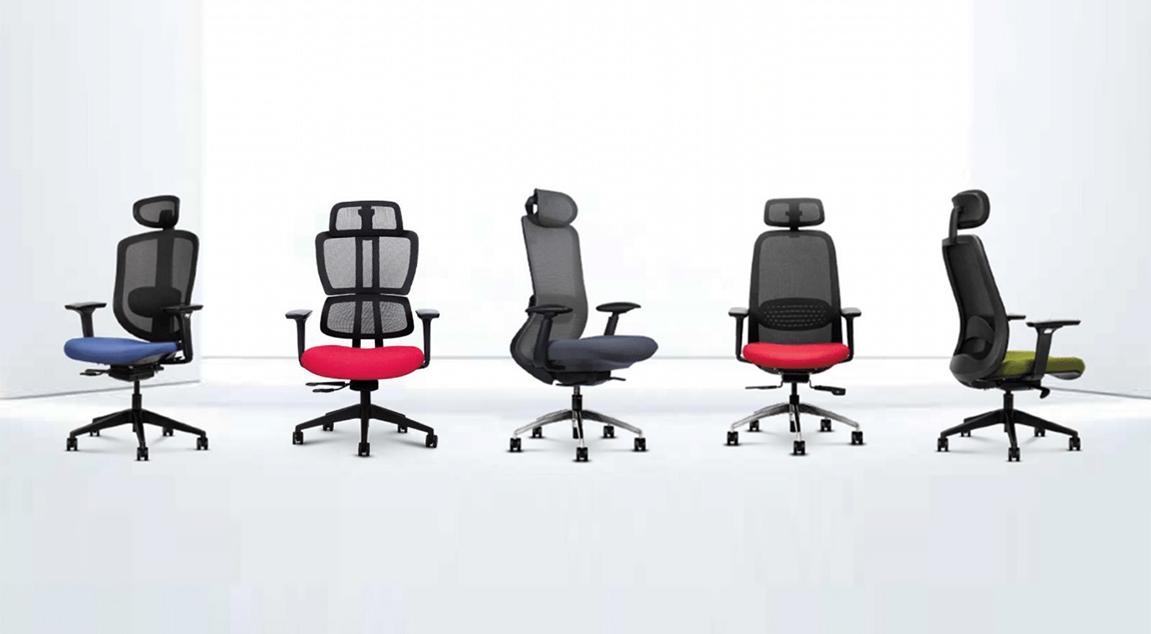
Table of Contents
|
The chair quietly shapes how the body feels by late afternoon. That nagging lower back ache, the stiffness in the shoulders, and the restless need to shift positions every few minutes—these often trace back to something as simple as the office chair height being a few centimetres off.
The good news? Getting this right takes minutes, not hours. Understanding the principles behind proper seat positioning helps users create a workspace that supports the body rather than working against it throughout demanding schedules.
When a chair sits at the right level, something remarkable happens: the body stops fighting gravity. The adjustments users make to office chair height ripple through the entire posture, affecting everything from ankle positioning to neck alignment.
The spine maintains natural curves that distribute pressure evenly across vertebrae and discs. When a desk chair's seat height is properly calibrated, these curves stay intact without muscular effort. Research confirms that chair height, equipment spacing, and desk posture all influence whether users avoid neck and back pain or develop chronic discomfort over time.
The angles at the hips, knees, and ankles directly influence a user's spinal alignment, affecting everything from lower back comfort to shoulder positioning. When these angles work together harmoniously, the muscles can relax into supported positions rather than tensing to compensate for poor alignment.
Ergonomic principles centre on achieving approximately 90-degree angles at major joints. The correct office chair height is when the feet rest flat on the floor, the knees position slightly below hip level, and the elbows bend at roughly 90 degrees to rest comfortably on armrests.
This positioning reflects how the human body functions naturally in seated postures. When the chair height supports these angles, sitting becomes almost unconscious—a user's body settles into proper alignment without requiring constant micro-adjustments to find comfort. This physical ease translates directly into sustained focus and productivity.
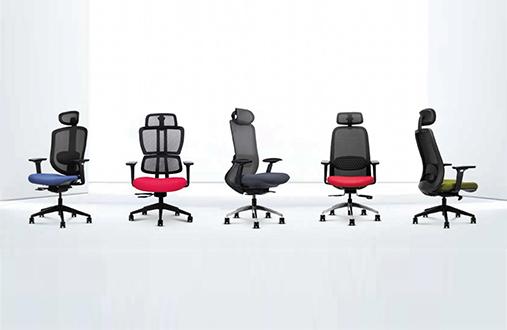
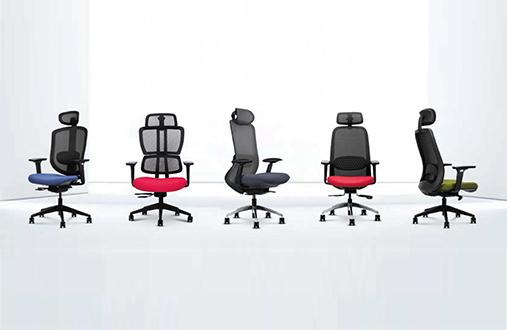
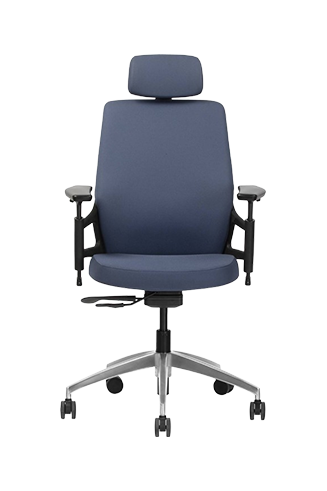
Achieving this posture depends not only on correct chair adjustment but also on how well the chair accommodates different body dimensions. Chairs such as the Wipro Entity are designed with anthropometric principles in mind, combining dimensions intended to suit a broad range of users with adjustable features—including seat height, armrests, and other key settings—to help individuals fine-tune their seating position and maintain proper ergonomic alignment.
Finding the personal sweet spot requires understanding the body's unique measurements. While standard office chair height falls between 16 and 21 inches, a user's ideal setting depends on individual leg length and the shoes that are typically worn.
The most reliable method involves measuring from the floor to the crease at the back of the knee while wearing the usual work shoes. This anatomical measurement—called popliteal height—determines your personal baseline before introducing other furniture components.
The Canadian Centre for Occupational Health and Safety recommends adjusting height so the seat's highest point sits just below the kneecap when the seat is horizontal.
Users can verify the current office chair height settings without measuring tape through these practical checks:
|
Test Name |
How to Perform |
What It Reveals |
|---|---|---|
|
Slide Test |
Slide two fingers under the thigh near the seat edge. |
Fingers slide too easily = chair too low; cannot fit fingers = chair too high. |
|
Heel Check |
Lift the toes while keeping heels down, then relax. |
Heels naturally lift or float = the seat is elevated too far. |
|
Desk Level Check |
Rest hands on keyboard naturally. |
Shoulders shrugging upward = seat-desk height mismatch |
The body communicates constantly about seating comfort. Learning to interpret these signals helps users address problems before they become chronic issues. Professionals spending six to ten hours daily at desks increasingly report neck pain, lower back discomfort, and shoulder tightness traced back to prolonged sitting and inadequate workstation setups.
A chair positioned too high creates a dangling-foot posture that compresses nerves and blood vessels behind the knees. The seat's front edge acts as a physical barrier, restricting blood flow and potentially causing swelling or localised discomfort.
Watch for these warning signs:
Feet barely touching the floor or swinging slightly
Pressure or numbness behind your thighs
The tendency to perch on the seat edge
Tingling sensations in your lower legs after extended sitting
Preventing these issues often comes down to choosing a chair with sufficient adjustability rather than relying on a one-size-fits-all design. Features such as adjustable seat height, seat depth, and armrests make it easier to position the feet flat on the floor while maintaining proper support behind the knees. Chairs such as the Wipro I'M Pro incorporate these adjustments alongside a contoured backrest that follows the spine's natural curvature. Its mesh back also promotes airflow, helping reduce heat and moisture buildup during long hours of sitting, particularly in warm and humid environments.
When the desk chair seat height drops too low, the knees rise above the pelvic line. This forces the pelvis into a posterior tilt, flattening the natural lumbar curve and placing excessive strain on intervertebral discs.
Indicators that a chair needs raising include:
Knees positioned higher than hips
Lower back rounding or slouching
Difficulty maintaining upright posture
Hip flexor tightness after standing
Office chair height cannot be considered in isolation—it must coordinate with the desk and monitor positioning to create complete ergonomic support. The relationship between these elements determines whether your entire upper body remains comfortable throughout the workday.
Ergonomics experts recommend a structured "bottom-up" approach: always start with the chair and feet, then adjust other elements accordingly. Sit as far back as possible so the spine receives backrest support, and then verify that the feet rest flat on the floor with thighs parallel to the floor.
Many workplaces feature fixed-height desks. When the desk cannot be adjusted and sits too high, users may find the elbows falling below the desk surface, leading to "shrugged" shoulders and neck strain.
The recommended solution involves raising the chair until elbows align with keyboard height, then adding a sturdy footrest to support the feet. This prevents circulation problems while maintaining proper upper body alignment. The footrest becomes essential for anyone whose standard office chair height adjustment cannot fully accommodate their desk.
Height adjustment rarely works alone. Modern ergonomic chairs incorporate multiple adjustment mechanisms that complement proper seat positioning and create comprehensive support for extended work sessions.
When users change the office chair height, armrest positioning must follow. Proper armrest height reduces shoulder tension and supports the forearms during typing or mouse work. Sit upright with arms hanging loosely, bend elbows at 90 degrees, and adjust armrests until they barely touch the undersides of the elbows.
|
Ergonomic Insight If the armrests cannot reach the proper level—or if they elevate the elbows even slightly at their lowest setting—consider removing them entirely. Armrests that force the shoulders upward create more problems than they solve. |
A quality ergonomic chair should allow customisation of lumbar support, armrest height, and seat pan depth. According to BIFMA G1-2013 guidelines, properly fitted seating should allow approximately two to three inches of clearance between the seat's front edge and the back of the knees.
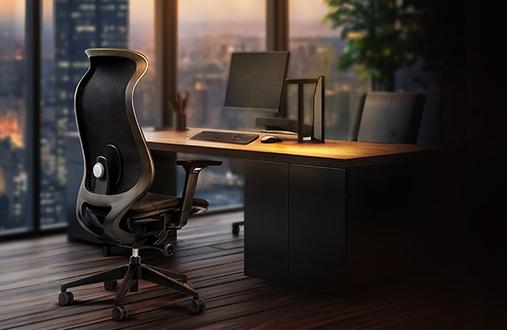
Reliable pneumatic cylinders, responsive tension controls, and stable locking mechanisms prevent the seat from drifting lower during hours of constant use. Wipro's Absolute chair incorporates these quality mechanisms to ensure users' carefully calibrated desk chair seat height remains consistent throughout demanding workdays. Additionally, it also features adjustable armrests with a mesh back for more breathability.
Even with a properly adjusted office chair height, static sitting for extended periods presents health risks. A 2024 study published in JAMA Network Open found that people who predominantly sit at work face a 16% higher risk of mortality from all causes and a 34% higher risk of cardiovascular death.
The solution involves integrating movement into every workday rhythm. Cornell University researchers recommend the "20-8-2" rule: for every 30 minutes, sit for 20 minutes, stand for 8, and move or stretch for 2. This pattern encourages regular position changes that complement proper seating ergonomics.
Small habits make a significant difference:
Stand during phone calls when possible
Walk to colleagues' desks rather than sending messages
Set gentle reminders to shift positions every half hour
Take brief stretching breaks between intensive work blocks
The time users invest in adjusting an office chair's height pays dividends across every workday. Proper positioning protects the spine, supports circulation, and reduces the muscular fatigue that accumulates during long hours at your desk.
Consider exploring Wipro's ergonomic seating range for chairs designed with intuitive adjustment mechanisms and reliable support systems. The right chair, properly adjusted, becomes a quiet partner in daily productivity and long-term wellbeing.
1. What is the standard office chair height range?
Standard office chair height typically ranges between 16 and 21 inches. However, the ideal setting depends on the leg length and the desk height a user works with. Measure from floor to knee crease for personalised guidance.
2. How do I know if my office chair height is correct?
Verify by checking that the feet rest flat on the floor, knees sit slightly below hip level, and elbows bend at 90 degrees when typing. The two-finger slide test under the thighs confirms proper positioning.
3. Can an incorrect desk chair seat height cause back pain?
Yes. Improper desk chair seat height forces the spine out of natural alignment, flattening lumbar curves or creating excessive pressure on intervertebral discs. This contributes to lower back strain over time.
4. Should I use a footrest with my office chair?
Footrests help when the desk height is fixed and too tall. Raise your office chair height until elbows align with keyboard level, and then add a footrest to support the feet and maintain proper thigh positioning.
5. How often should I readjust my chair height?
Reassessing the office chair height whenever a user changes shoes, desks, or notices discomfort returning is a good habit. Quality chairs with stable pneumatic cylinders maintain settings well, but periodic verification ensures ongoing comfort.
6. What features support proper office chair height adjustment?
Look for reliable pneumatic cylinders, adjustable armrests, seat depth controls, and stable locking mechanisms. These features work together to maintain consistent, supportive positioning throughout every workday.